Make Your Phone Faster
Your family's lifetime investment with these below features. You can control your phone better and get rid of unknown traffic or access. be private.
Privacy at a glance
Camera, microphone, and location badges on every app, with a one-tap jump to the system Privacy Dashboard.
Nothing leaves your device
No servers, no accounts, no analytics, no telemetry. The entire firewall runs on your phone — your rules and logs stay there too.
Per-app firewall
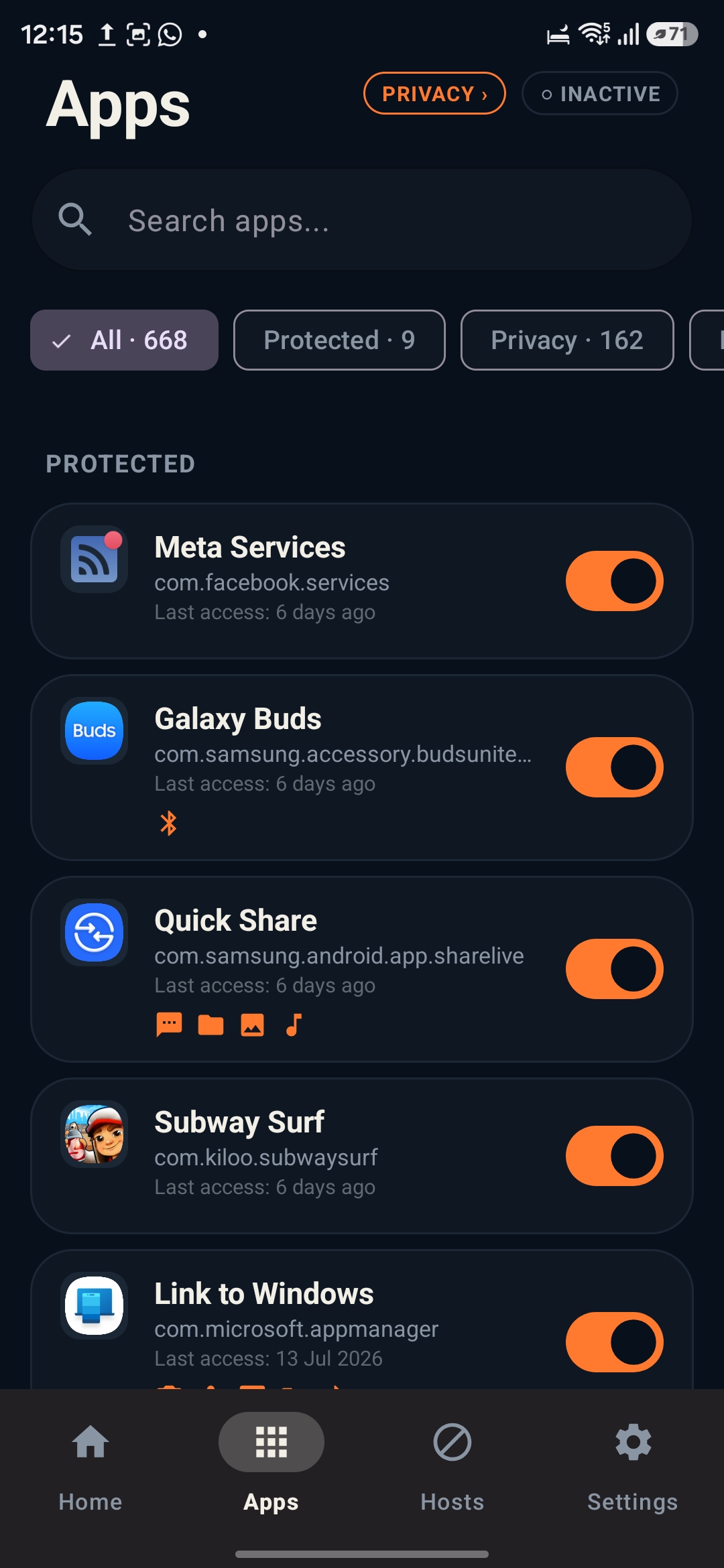
Cut any app's internet access with a single toggle — Wi-Fi and mobile data alike. No root required.
Block any site
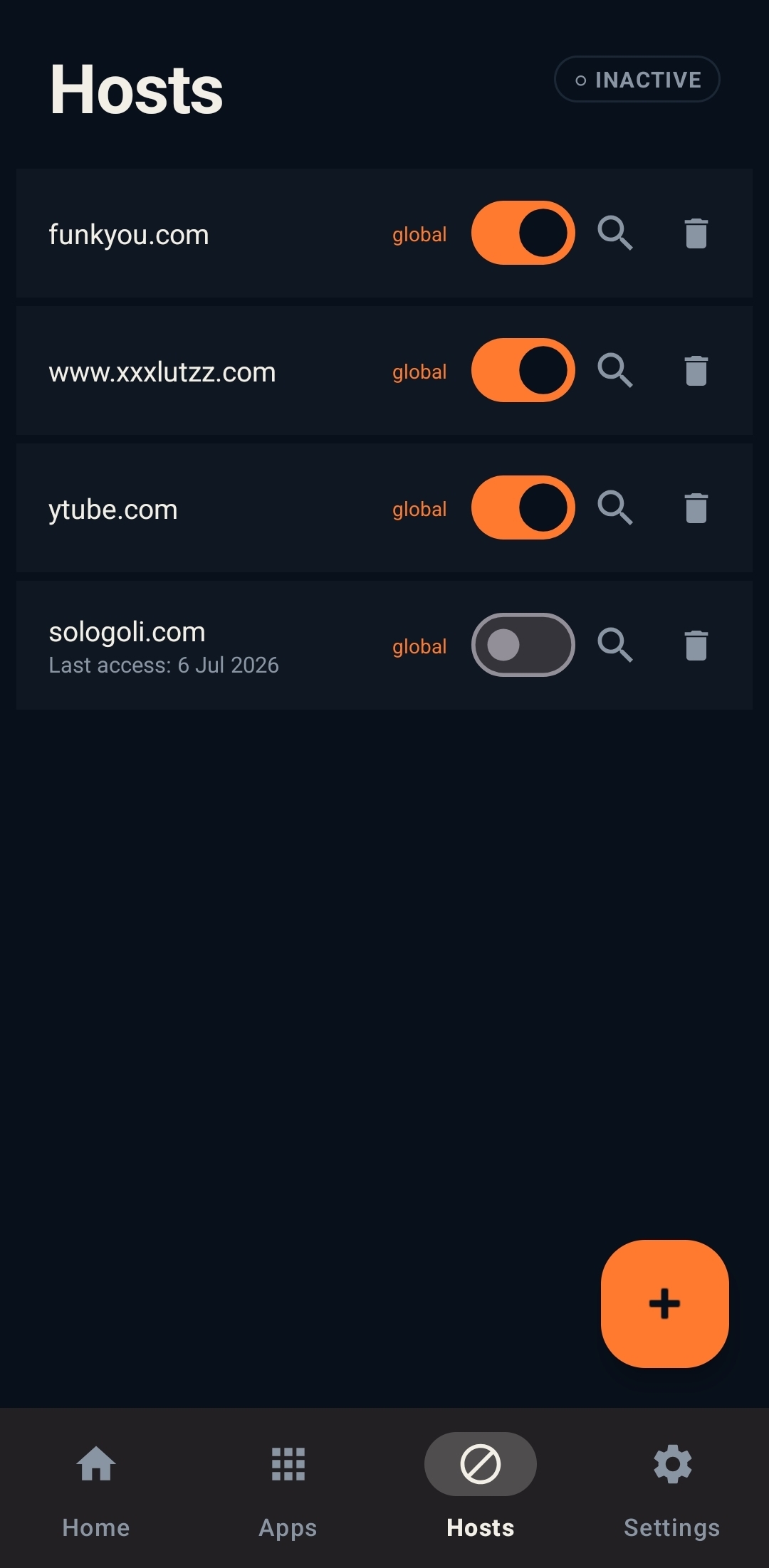
Block hosts by name, with wildcards like *.tracker.com. Apply a rule to one app or to every app at once.
Real-time traffic log
Watch connections the moment they happen, each one attributed to the app that made it — allowed or blocked.
See where apps phone home
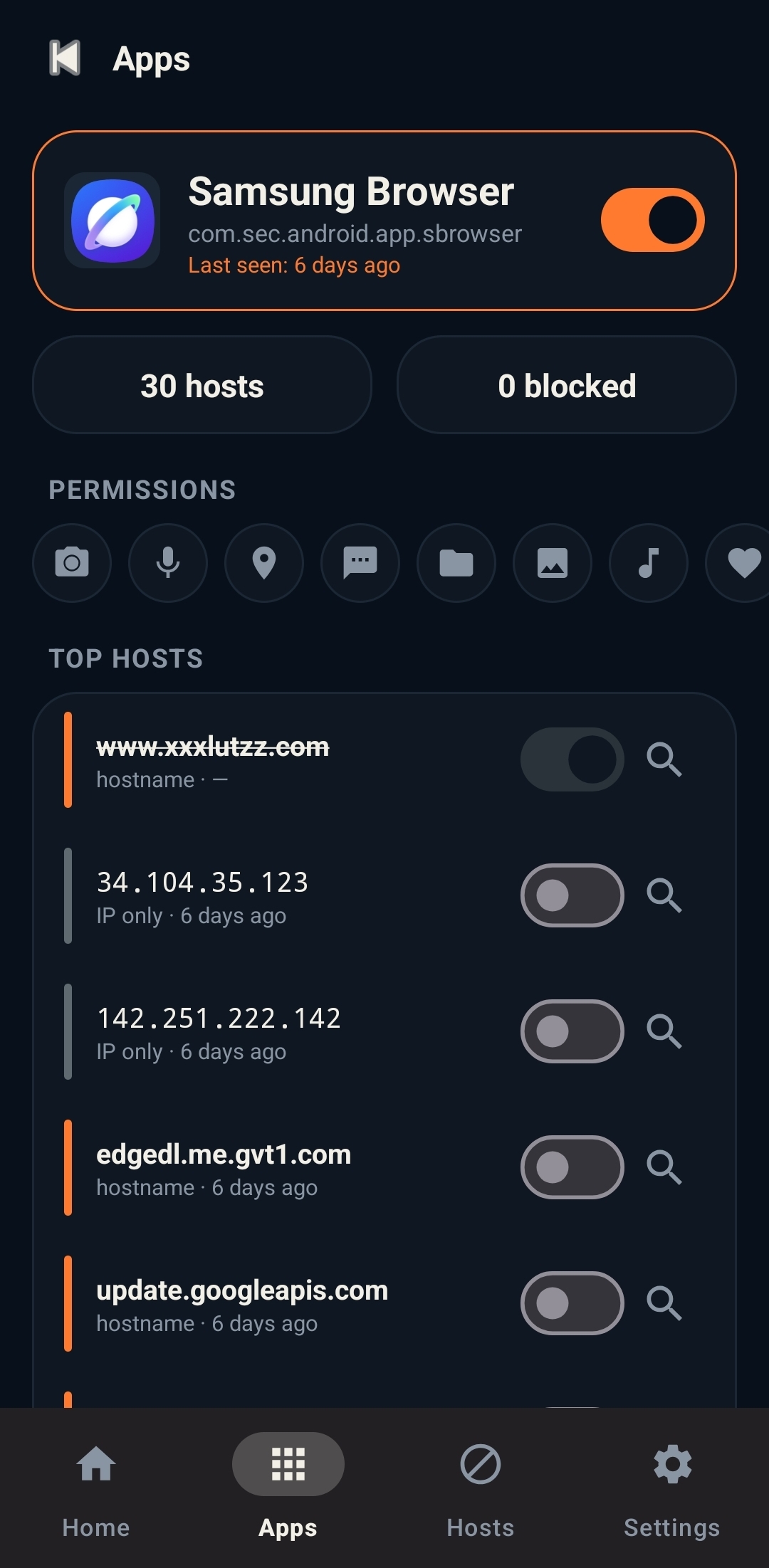
Every app's top contacted hosts, ranked. One tap runs a WHOIS lookup on anything that looks suspicious.
Stop Every Leak.
Watch real-time outbound traffic come alive on your screen.
What people who use it every day say.
The first time I opened the traffic log I found three apps talking to ad networks while 'idle'. Two toggles later they weren't. That's the whole pitch.
Most 'firewall' apps on Play are VPNs that route your traffic through someone's server. This one genuinely never leaves the phone. That's rare, and it's the right design.
I blocked games on the kids' tablet during school hours without installing anything spooky. One switch per app. My non-technical wife uses it too.
Questions, answered.
Is my traffic routed through your servers?
No — and that's the point. Cyber Shutter uses Android's VPN interface to filter traffic locally, on your device. There is no external server, no account, and no way for us to see your traffic even if we wanted to.
Do I need root?
No. Cyber Shutter works on any stock Android 8.0+ device. You grant the standard VPN permission once and you're done.
Which apps and sites can it block?
Any app installed on your device, and any site by hostname — including wildcard rules like *.example.com. Rules can apply to a single app or globally across every app.
Will it slow my connection or drain my battery?
Filtering happens in a native packet engine on the device itself, so there's no detour through a remote server — your traffic takes the same path it always did, minus the connections you've blocked.
What data does Cyber Shutter collect?
None. No analytics, no telemetry, no crash-reporting SDKs, no accounts. Your rules and traffic logs live on your phone and nowhere else.
How to turn on?
Just open app and toggle firewall in home and then in apps tab toggle apps you want to block internet conectivity. Be private while using android as well with your control.